Not every organization leaving Microsoft 365 or Google Workspace chooses Nextcloud. OpenCloud is a lean open-source platform for files and collaboration that runs without a database and organizes files in spaces. As with any self-hosted platform, one question remains: who can read the documents on the server?
This article shows how DuoKey Secure OpenCloud, DuoKey SecureFolder for OpenCloud, works: OpenCloud stores only ciphertext, the master key stays in the organization's HSM, and teams still co-edit their documents in the browser with Collabora Online. If you want to try it, you can test it with us in your own environment.
Table of Contents
- What a self-hosted platform protects, and what it does not
- A gateway that is not tied to Nextcloud
- The path of a document in OpenCloud
- Co-editing: in a project space
- What stays the same as with Nextcloud and openDesk
- What is supported, and the limits
- Test it in your environment
- Sources
Self-hosting settles where the data lives and which law applies to the provider. It does not settle who can read it. On the server, files are stored in plaintext or with encryption whose keys are managed by the same operations team. Disk or object-storage encryption protects against a stolen drive, not against an administrator with system access, a compromised account with broad rights, or a service provider running the platform.
End-to-end encryption closes that gap, but it also rules out co-editing in the browser: an online editor needs the document in plaintext. We described this trade-off for Nextcloud in Nextcloud Encryption Compared. It applies to OpenCloud in the same way.
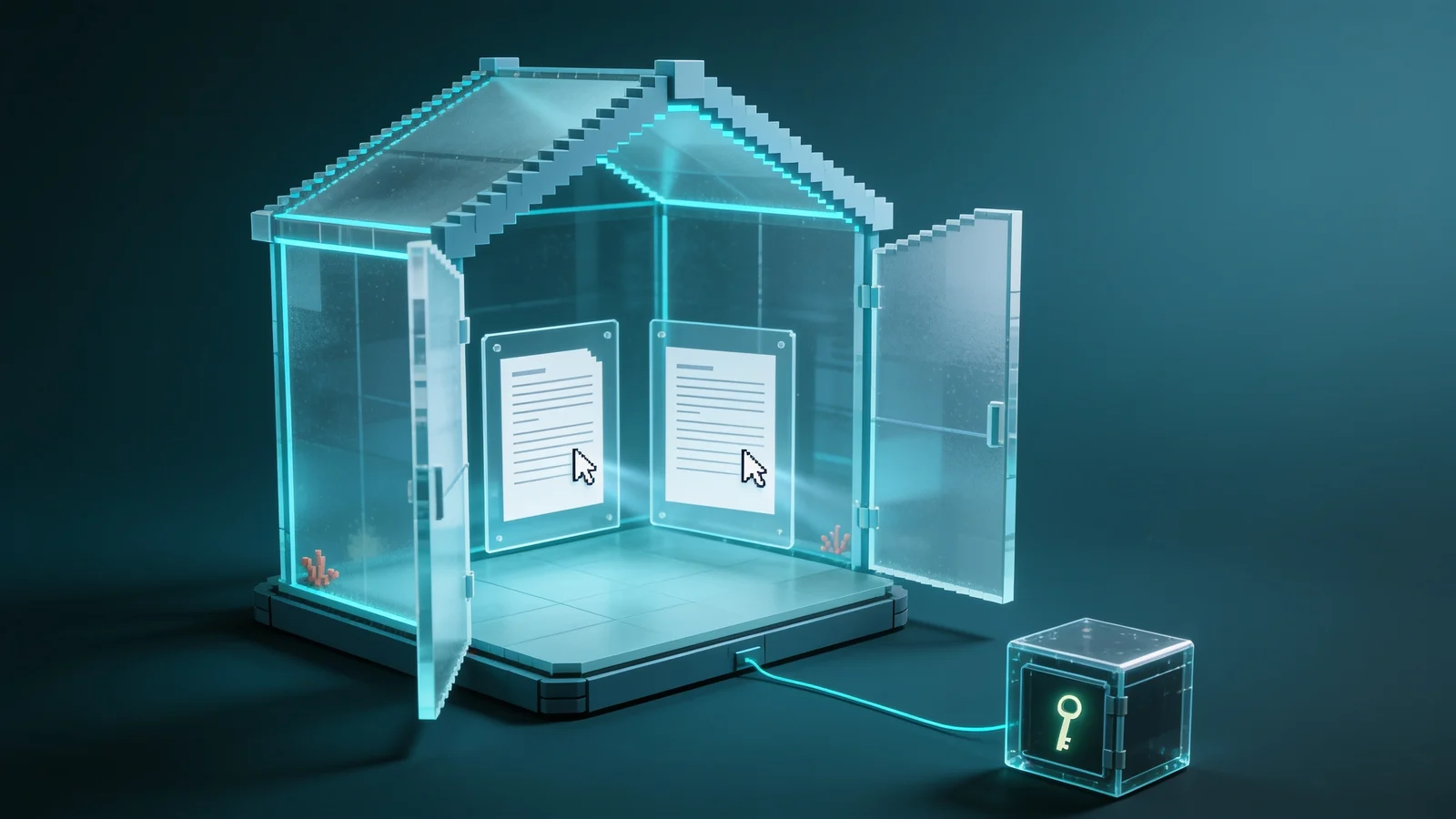
SecureFolder takes a third path: documents in protected folders stay encrypted on the server, the key lives outside the platform, and decryption happens only while a document is being edited, in the memory of a dedicated gateway.
A gateway that is not tied to Nextcloud
The DuoKey gateway is written in Rust and has two interfaces:
- WebDAV to the storage: it reads and writes files with the rights of the signed-in person.
- WOPI to the editor: the protocol Collabora Online uses to fetch a file and write it back. The gateway takes the WOPI host role that the platform itself normally holds. The details are in Encrypted Co-Editing with Collabora Online.
Like Nextcloud, OpenCloud offers a WebDAV interface with ETags, file ids and permission properties, so the gateway carried over almost unchanged. The differences are small: OpenCloud does not answer the WebDAV query for the current user, so the gateway asks the OCS endpoint instead; and project spaces are read through their own address, remote.php/dav/spaces/<id>/.
For users, a small OpenCloud web extension adds one entry to the file menu: "Open with DuoKey".
The path of a document in OpenCloud
- The user chooses "Open with DuoKey" in OpenCloud.
- The extension passes the space and the file path to the gateway.
- The gateway reads the encrypted file over WebDAV with the user's own access. OpenCloud enforces its own rights; there is no service account that could read every file.
- The gateway asks the DuoKey Cockpit for the folder key for this person.
- The Cockpit checks the right to the key, decrypts it in the HSM with the KEK and hands it to the gateway sealed with hybrid P-256 and ML-KEM-768. The release is logged.
- The gateway decrypts the file in memory and opens Collabora Online with a sealed WOPI token.
- On every save, the gateway re-encrypts and writes back with
If-Match. If the file has changed in OpenCloud in the meantime, nothing is silently overwritten.
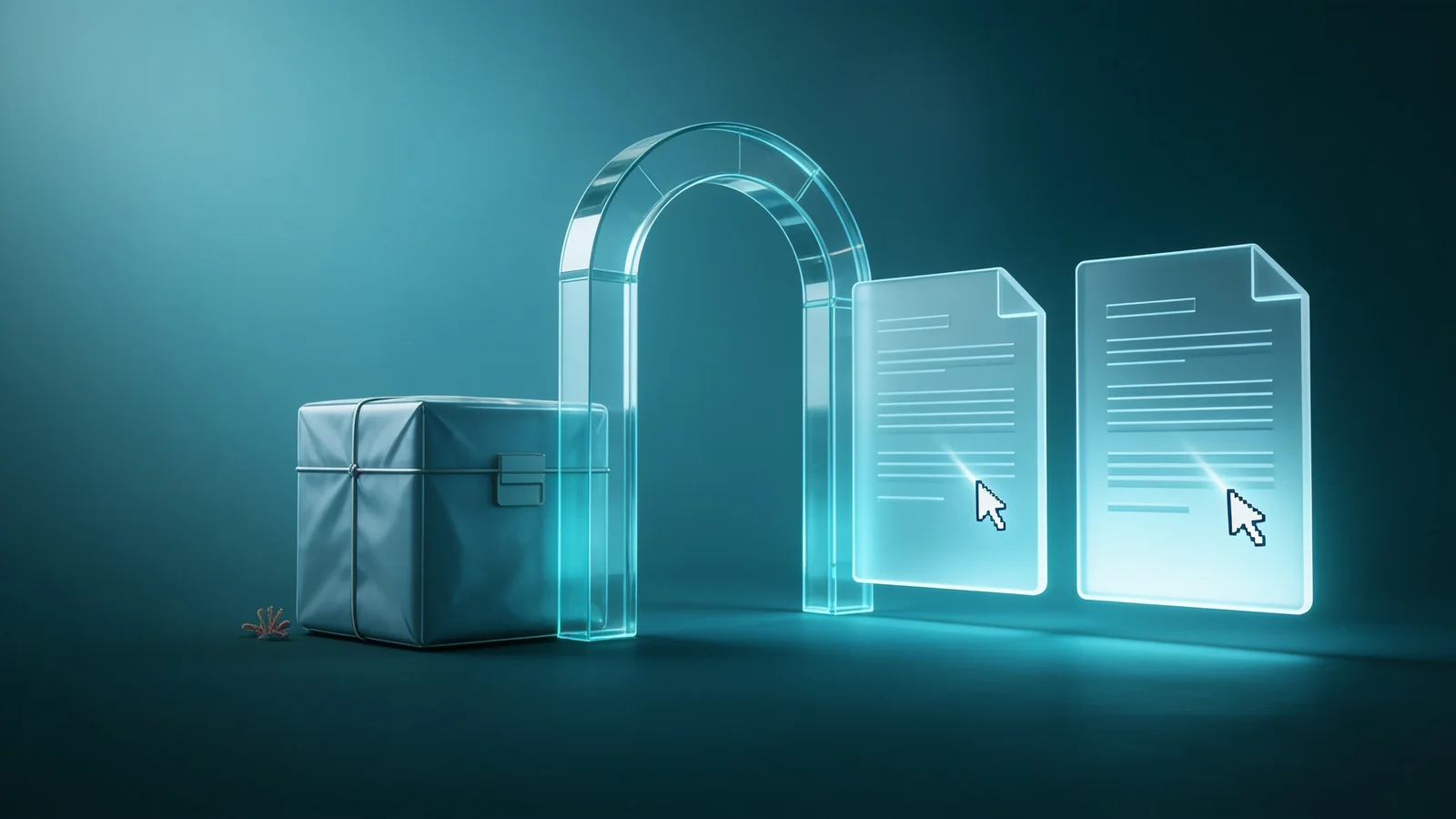
Anyone who downloads the file straight from OpenCloud, bypassing the gateway, gets a file starting with the identifier DKSF: ciphertext, not a readable Office document.
Co-editing: in a project space
OpenCloud has two ways to share files: project spaces, which belong to a team, and shares of individual files or folders with people.
For co-editing, one detail matters. For Collabora to put several people into the same session, they all have to open the same WOPI file. In a project space, every member sees the same space id and file id; the gateway derives the same WOPI file for all of them, and everyone's cursor appears in the same document.
With a direct share, OpenCloud gives the recipient a different file id. The document still opens and saves through the gateway, but the owner and the recipient end up in two separate sessions. For encrypted co-editing we therefore recommend project spaces today. That matches practice anyway: confidential material belongs to a team or a project, not to one person.
What stays the same as with Nextcloud and openDesk
- The same file format. A file encrypted under Nextcloud, openDesk or with the SecureFolder agent for Windows and macOS is the same DKSF file. Switching platforms later does not require re-encryption.
- The same keys. Folder keys, rights and the log live in the DuoKey Cockpit; the master key stays in the organization's HSM.
- Two independent checks. The platform checks its share, the Cockpit checks the right to the key. If either is missing, the document stays closed.
- The same leak controls. Named watermark; export, print and copy blocked in the editor.
- The same separation of roles. Whoever runs OpenCloud manages spaces and shares, not keys.
What is supported, and the limits
| Topic | Status |
|---|
| OpenCloud 9 with Collabora Online | Encrypt, open, edit, save; ciphertext in OpenCloud verified |
| "Open with DuoKey" in the file menu | OpenCloud web extension |
| Co-editing | In project spaces; separate sessions for direct shares |
| Keys | Your organization's HSM or vault, through the DuoKey Cockpit |
The limits that apply to SecureFolder in general apply here too: the editing zone, made of the gateway and Collabora, sees the document in plaintext while it is edited, in memory. File names, sizes and shares remain visible to OpenCloud. Previews and full-text search are not available in protected folders, because the server cannot read the content.
Test it in your environment
You run OpenCloud or are introducing it? We set up Secure OpenCloud with you on one project space in your environment: confidential material, keys in your HSM or vault, your users. At the end you see the ciphertext in OpenCloud and the access log in the Cockpit for yourself, with no change to your existing installation.
Book a test
Sources
- OpenCloud, documentation: spaces, WebDAV and Collabora Online integration. docs.opencloud.eu
- OpenCloud, source code on GitHub. github.com/opencloud-eu
- Microsoft, WOPI protocol (Open Specifications). learn.microsoft.com
- Collabora Online, integration documentation (WOPI). sdk.collaboraonline.com
- BSI, Technical Guideline TR-02102-1, Cryptographic Mechanisms: Recommendations and Key Lengths. bsi.bund.de